 MakeMySaver
Turn your photos and videos into a Mac screensaver.
Upload, preview live and download a signed, Apple-notarized screensaver in minutes, right in your browser. No app to install.
From ₹299 + GST · Preview free · Business plan for company-wide deployment
Five steps. About two minutes.
Upload
Drop in your photos, or one video.
Customise
Name it, set the timing, motion and fit.
Preview
See it play live, full screen if you like.
Pay ₹299
Secure checkout with UPI, cards or netbanking.
Install
Download, double-click, done. Signed and notarized by Apple.
Make it yours. Preview it free.
Your files stay in your browser while you preview. They're only uploaded when you check out.
For your own Macs.
- Uploading your files
- Payment
- Building & signing
- Notarizing with Apple
- Ready to download
Feels native. Because it is.
Signed & notarized
Every saver is signed with a Developer ID and notarized by Apple, so it opens with no Gatekeeper warnings.
Apple silicon & Intel
One universal screensaver that runs natively on every Mac with macOS 12 Monterey or later.
Photos or video
Smooth crossfades with optional Ken Burns motion, or a muted, seamlessly looping video.
Private by design
Previews run entirely in your browser. Uploaded files are deleted from our servers after 7 days.
Lightweight
Images load on demand at screen resolution, so even large photo sets stay light on memory.
Built for MDM
The Business plan adds a signed .pkg and a configuration profile, ready for Jamf, Intune, Kandji and other MDMs.
Try one on us.
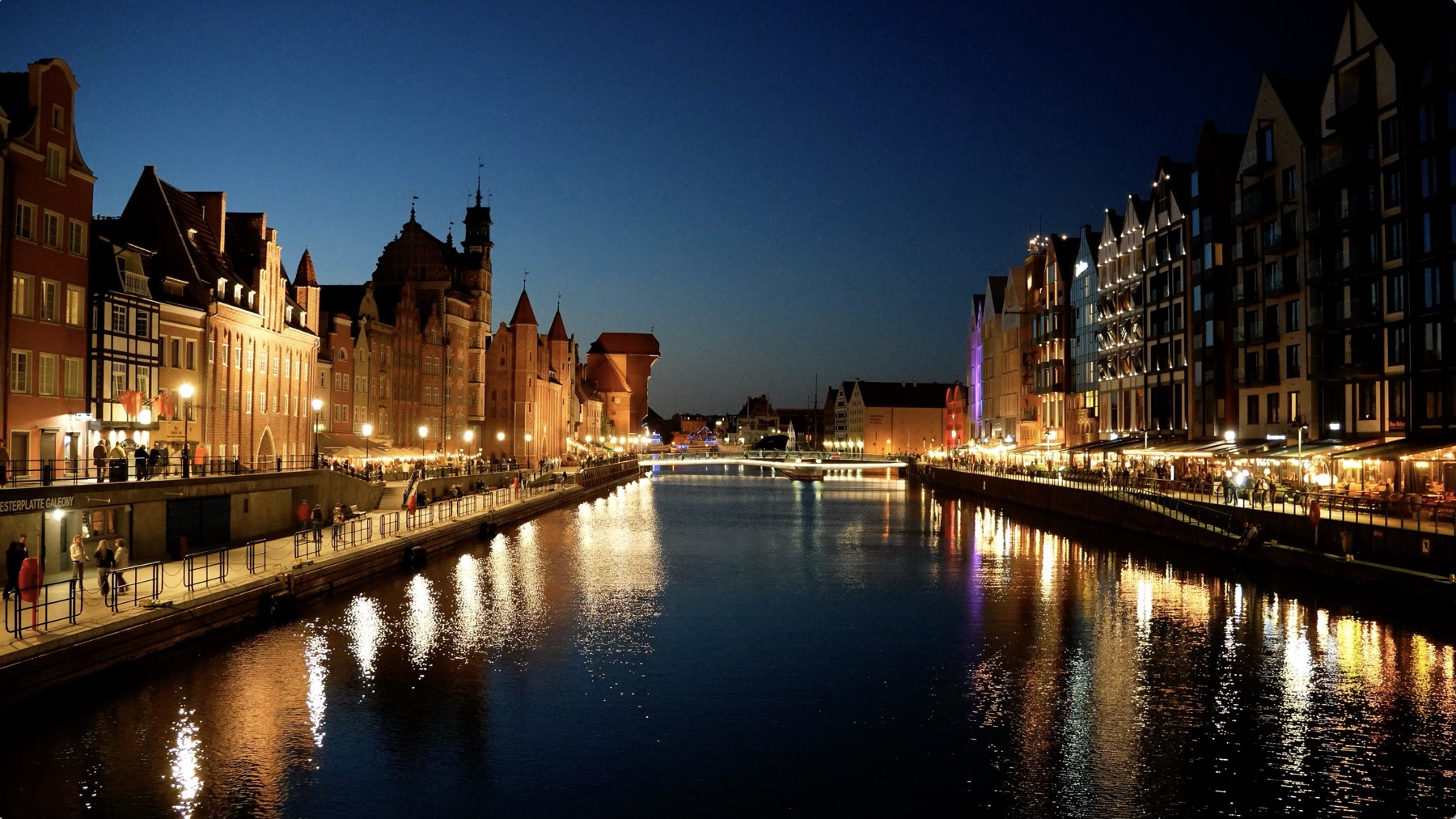
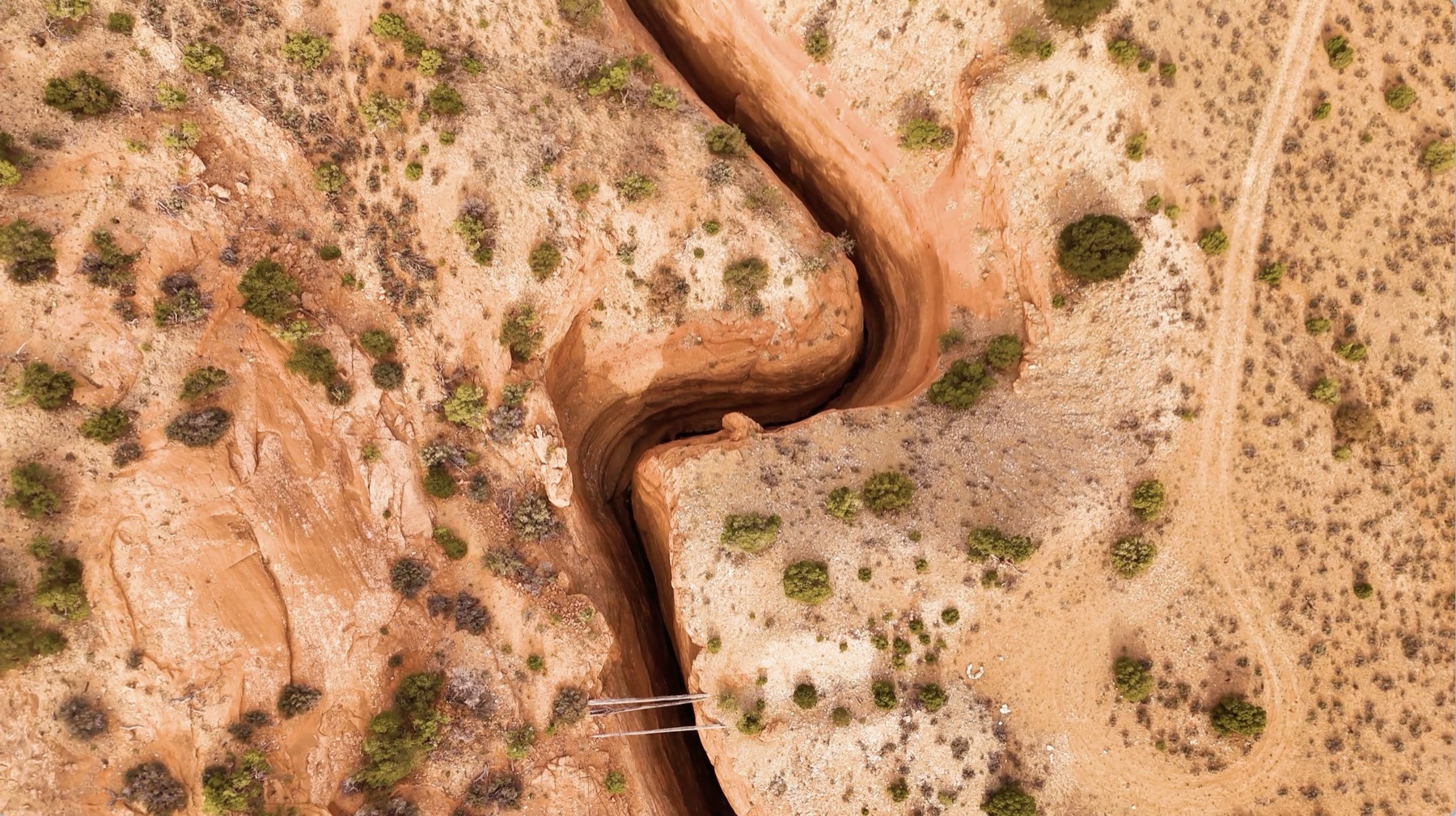
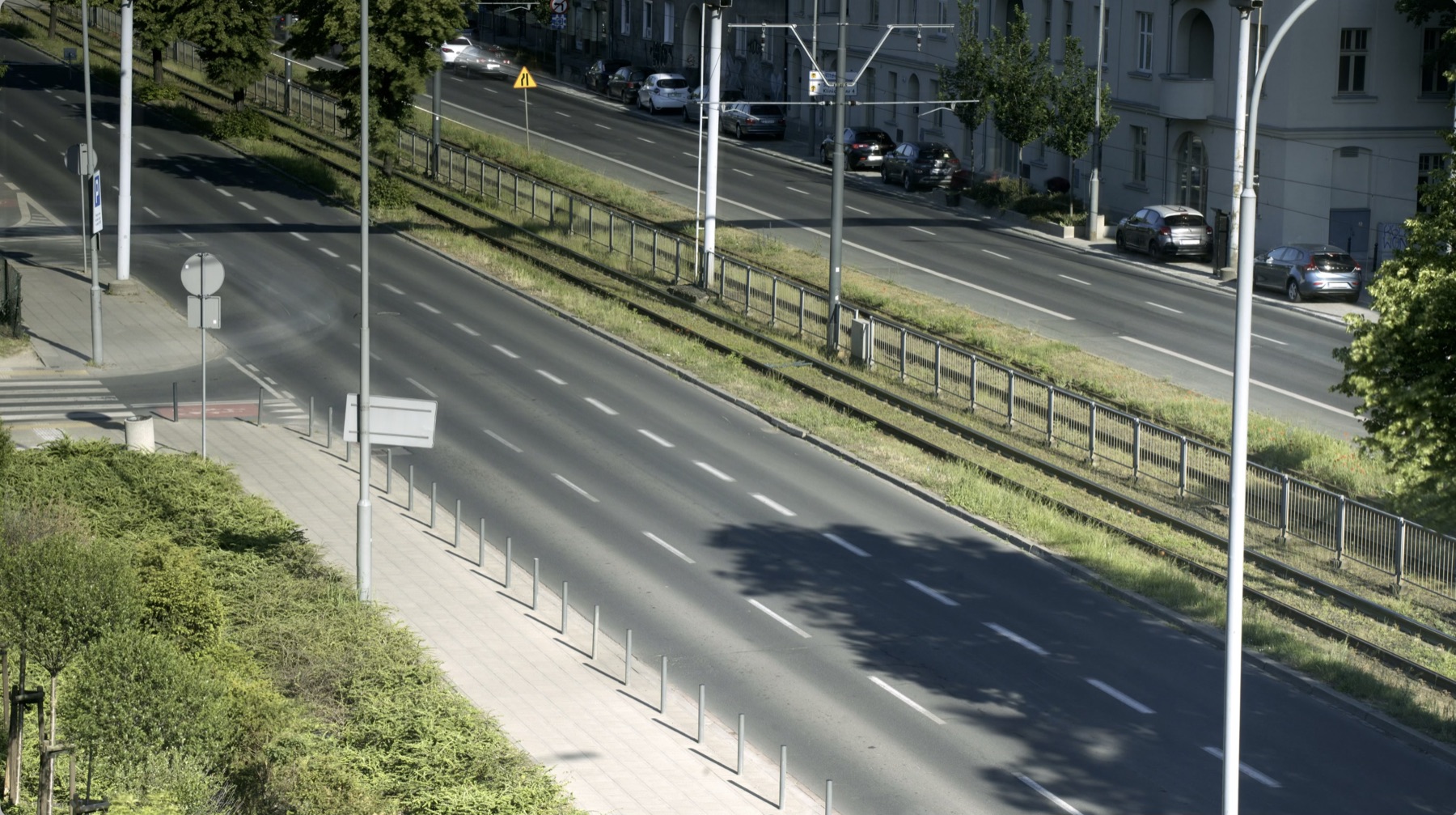
Free signed sample screensavers. Download, double-click and pick it in System Settings.
Pay once. No subscription.
- Up to 60 photos or one video
- Signed with Developer ID & notarized by Apple
- Universal: Apple silicon & Intel, macOS 12+
- Install on all your own Macs
- Download link & GST invoice by email
- Everything in Personal
- Deploy to unlimited company Macs
- Signed & notarized .pkg installer for Jamf, Intune, Kandji and more
- Configuration profile to set it as the default screensaver & idle time
- Commercial-use licence & GST invoice with your GSTIN
- Priority email support
Questions, answered.
Is it safe to install?
Yes. Every screensaver is signed with an Apple Developer ID and notarized by Apple, which means Apple has scanned it and macOS opens it without warnings. It only contains your media and a small player; it has no network access and collects nothing.
How do I install it?
Unzip the download and double-click the .saver file. macOS asks whether to install it for just you or for everyone on the Mac. Then open System Settings → Screen Saver and pick it.
Which Macs does it work on?
Any Mac running macOS 12 Monterey or later, on Apple silicon or Intel.
What can I upload?
Up to 60 photos (JPG, PNG, HEIC, WebP, TIFF or GIF, 25 MB each), or one video (MP4 or MOV, up to 500 MB). Video plays muted on a seamless loop.
How long does it take?
Usually a few minutes after payment, most of which is Apple's notarization. You can watch the progress here, and we'll also email you the link.
How do I remove it?
In System Settings → Screen Saver, right-click the screensaver and choose Delete. Or remove it from ~/Library/Screen Savers.
What happens to my files?
Your preview runs only in your browser. When you check out, your files are uploaded to build your saver and are deleted automatically after 7 days.
We want it on all our company Macs. Which plan?
Choose Business. You get the same signed screensaver plus a signed, notarized .pkg that installs it to /Library/Screen Savers for every user, and a configuration profile that sets it as the default screensaver with your chosen idle time. Upload both to Jamf Pro, Intune, Kandji or any MDM and scope them to your Macs. The licence covers unlimited company Macs.
Can I get a refund?
If your screensaver fails to build or doesn't work on your Mac, email support@makemysaver.com and we'll fix it or refund you in full.
Make every idle moment yours.
Your memories, your brand, your art, on every Mac you own.
Create your saver · ₹299